tvOS · Weather broadcast

Your local forecast, back on the air.

A tvOS app that puts the local forecast back on the air. Current conditions, the hourly, radar, the extended outlook, the almanac, the tides, announced aloud, in order, over your own music, and then again. Three bands, one palette, type you can read from the couch. Real data from Apple Weather, the National Weather Service and NOAA. It just never stops.

01 · The loop
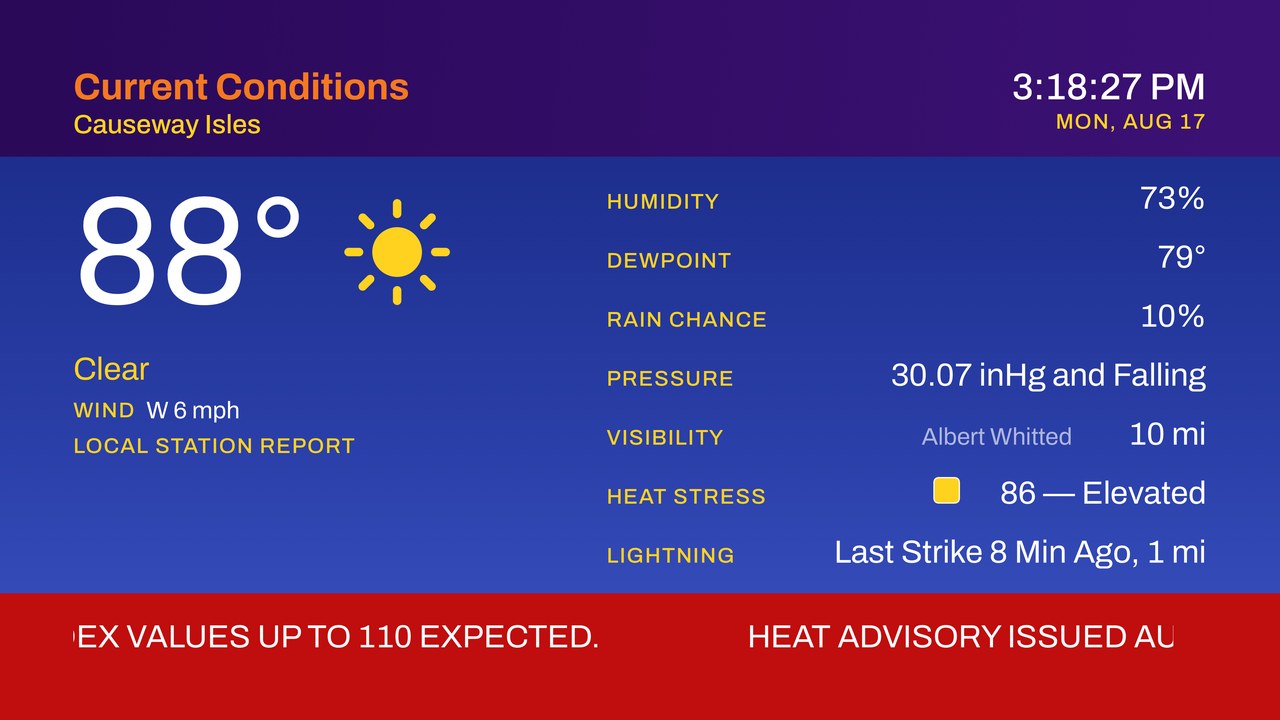
Current Conditions
Gulfport, FL
12:00:00 PM
MON, AUG 3
84°
Cloudy
WIND W 9 mph
HUMIDITY78%
DEWPOINT77°
PRESSURE29.95 in
VISIBILITY11 mi
TEMP 84°

Simulated loop: sample data, running in your browser. The lower display line rotates one condition every five seconds, keyed to the clock, so every television on the same snapshot shows the same reading, until an alert takes the bar.

02 · What it does

A loop, not a screen

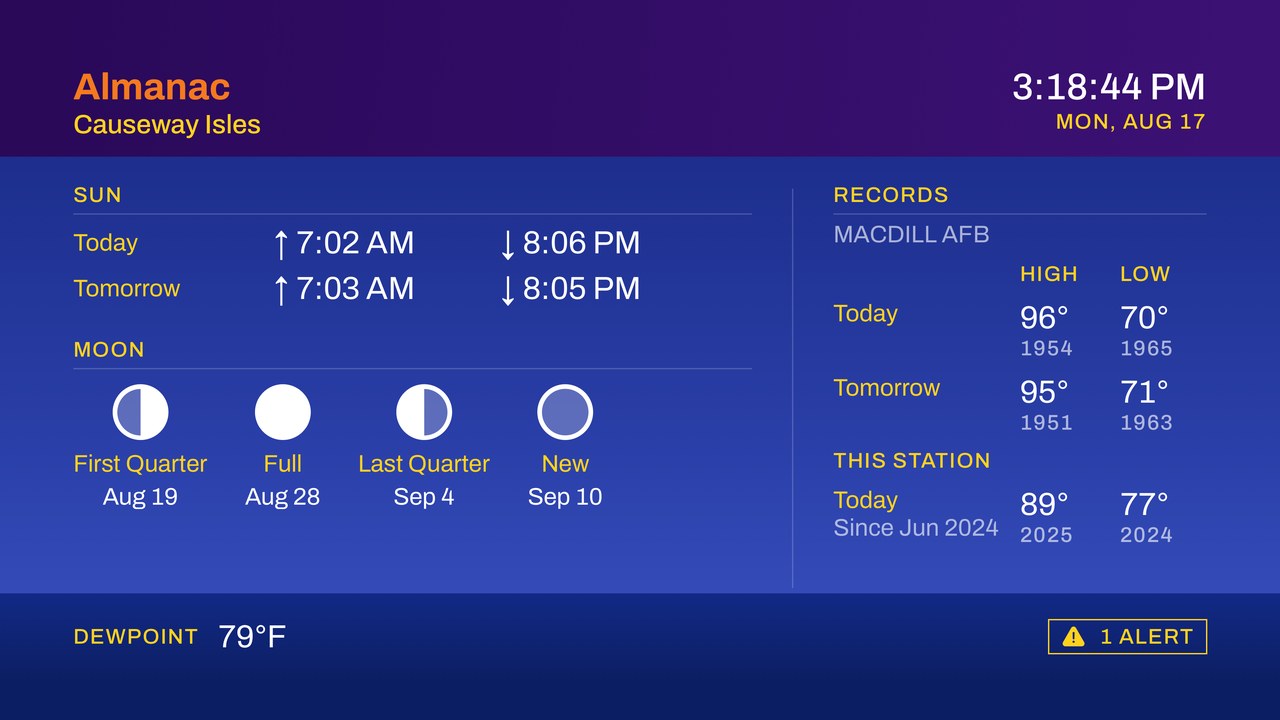
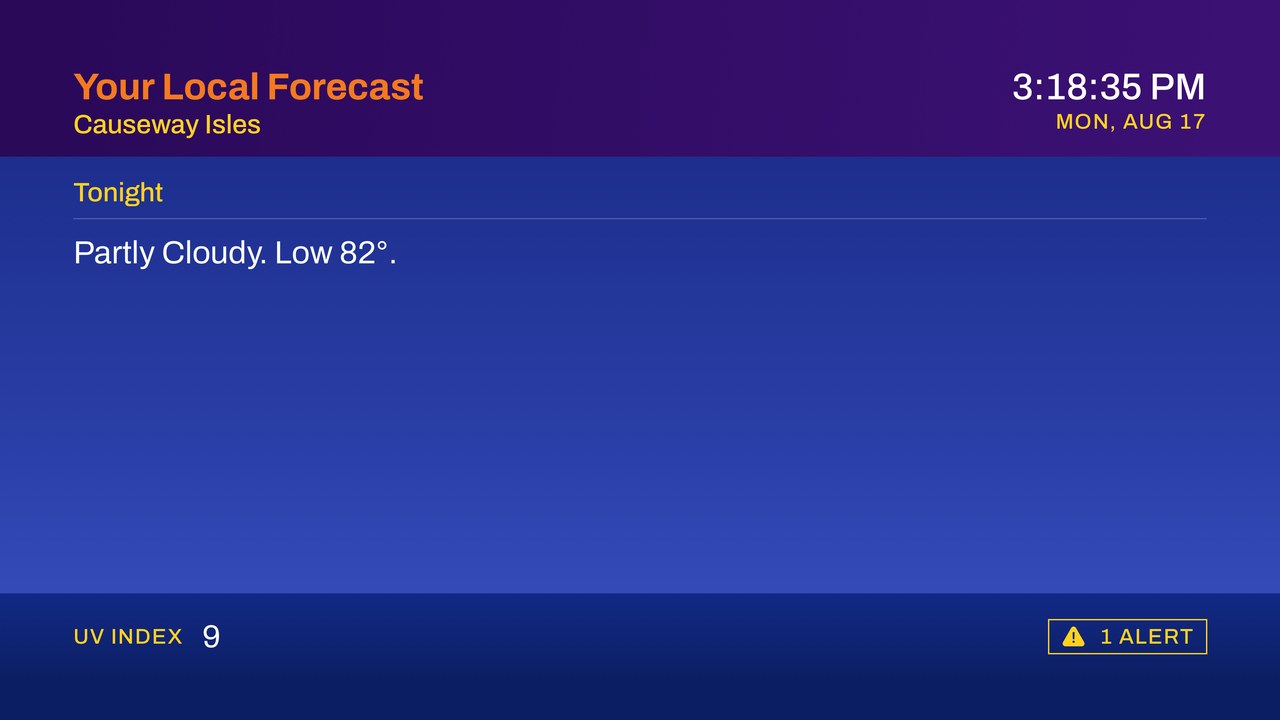
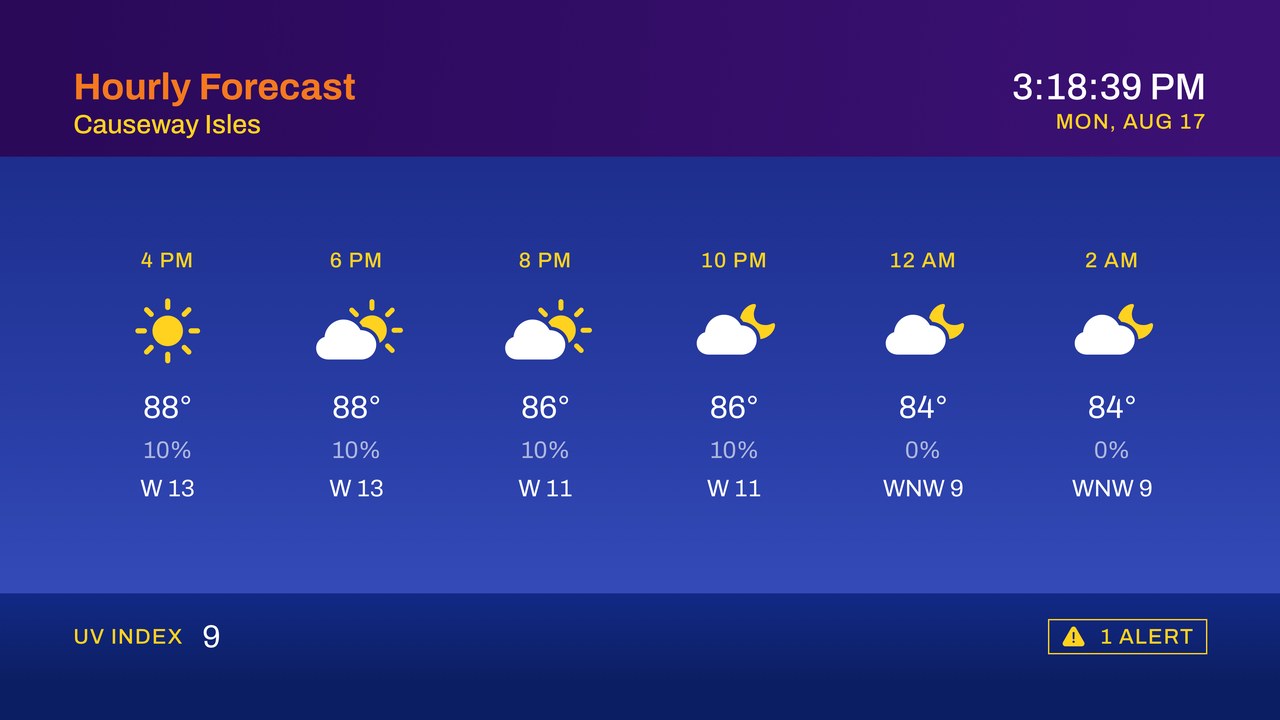
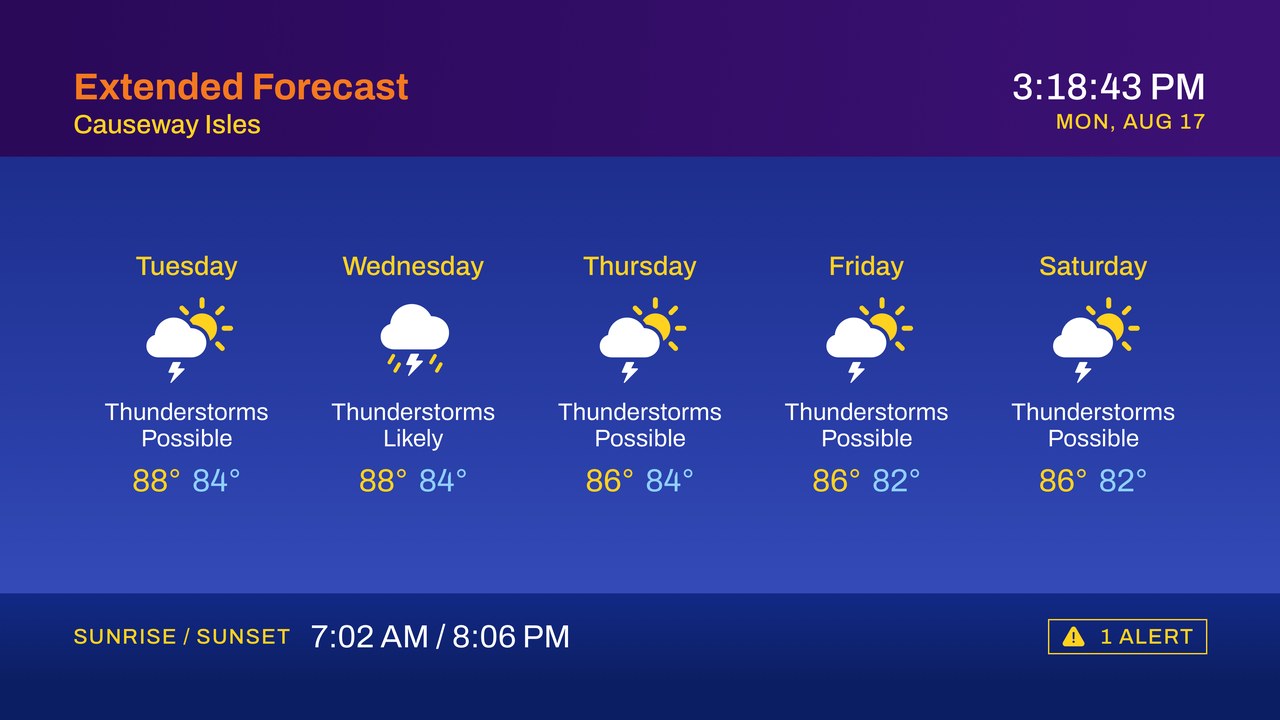
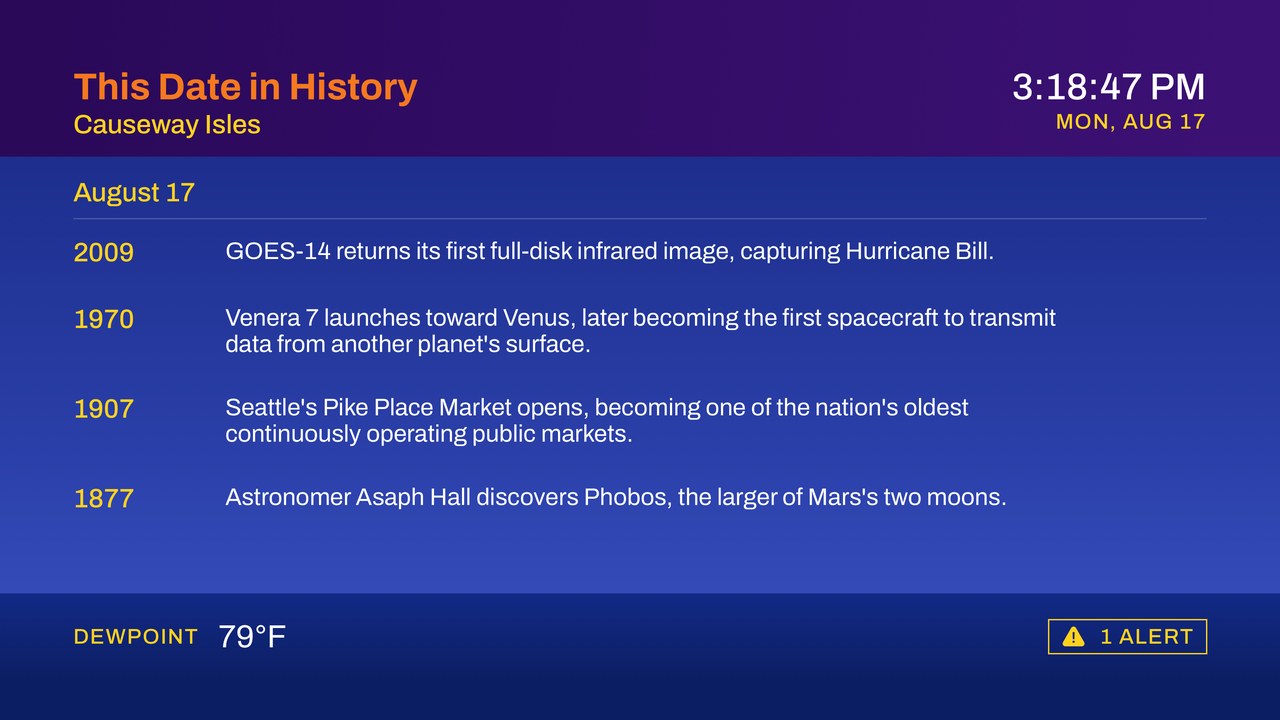
Current conditions, your local forecast, the hourly, local radar, the extended outlook, the almanac, the tides and this date in history play in order, two to three minutes a cycle, then start over, the way a cable feed does. Inland, the tide segment drops itself; on a date the corpus has nothing for, so does the history. There is nothing you have to do. Leave it on while you make coffee and it will still be going when you get back.

The voice

Segments are announced aloud with on-device speech (“And now, your extended forecast”), phrased the way a forecast was read on air, and your music ducks underneath. Turn the voice off and the loop keeps running silently. Turn it on and you can stop looking at the television, which is rather the point.

Tiered alerts

Tornado, severe thunderstorm and flash flood warnings stop the loop: attention tone, full-screen red page, read aloud, then back to the forecast. Every other watch and advisory turns the lower display line red and crawls the actual hazard text there instead, with no tone and no interruption. Press down and the crawl steps aside for ten minutes, leaving a small yellow chip in its place. A given alert takes the screen once and once only.

03 · On screen

Eight segments, one channel

Current conditions
Your local forecast
Hourly forecast
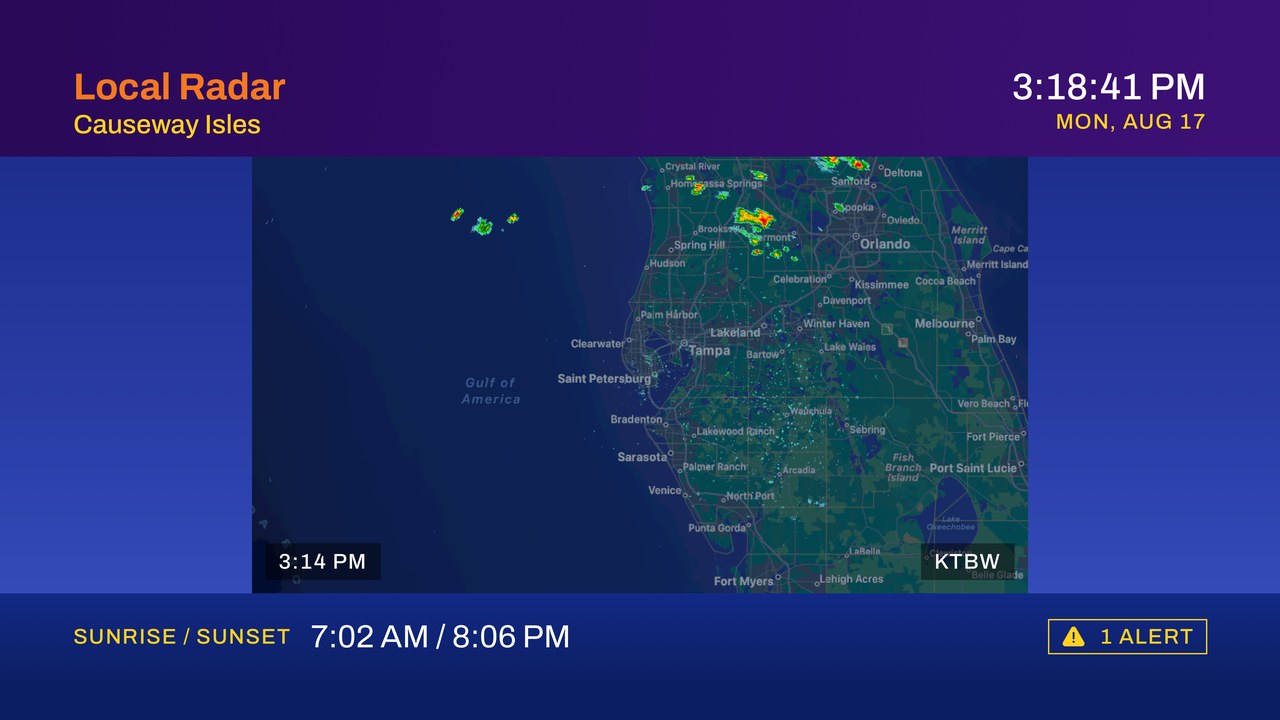
Local radar
Extended forecast
Almanac
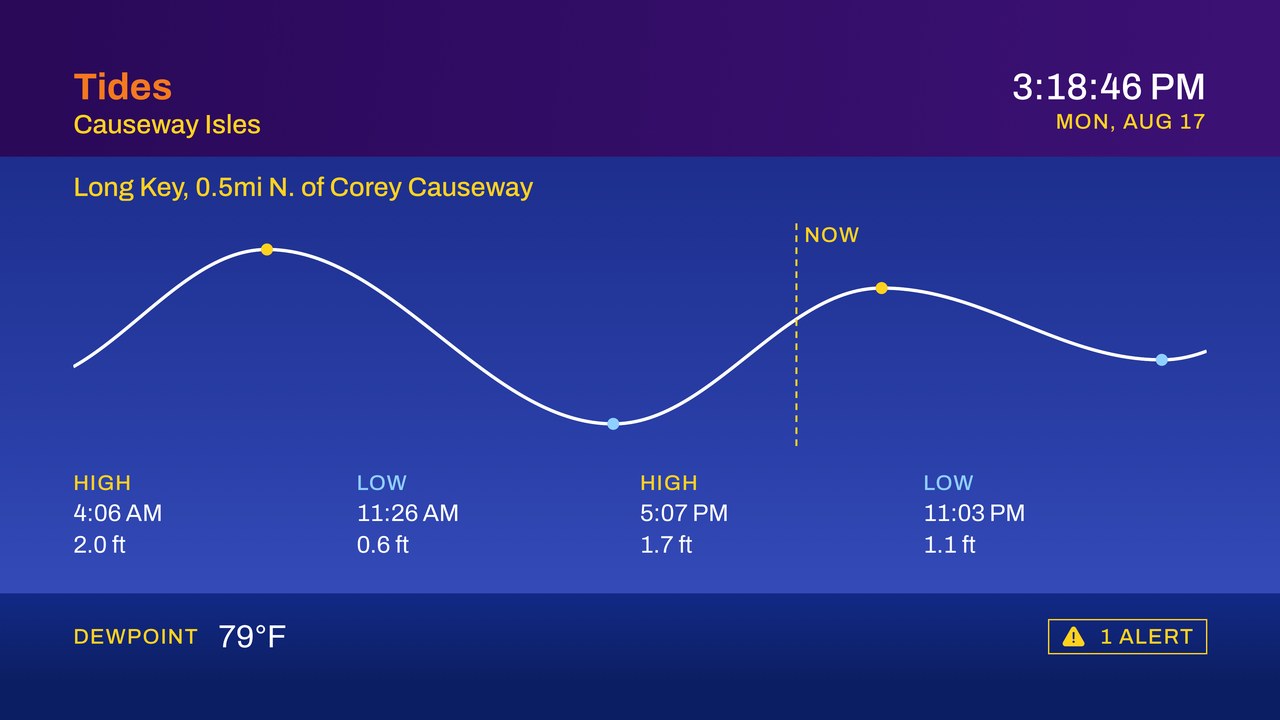
Tides
This date in history
04 · Where the name comes from

Blame the cable.

The soft edges, the color fringing where orange type sat on blue, the dot crawl in the gradients: none of that was designed. It was composite video: luma, chroma and sync riding one cable to the back of a television set. Anyone recreating the look faithfully is really emulating a signal path.

The name keeps all three meanings. Composite video, the way the picture arrived. Composite reflectivity, the radar product that closed out every loop. And compositing: observations, forecast grids and radar tiles assembled into a broadcast, which is exactly what the code does.

The name is the period reference. The picture is not: no scan lines, no drop shadows, no shouting. What carries over is the shape of the thing: a header, a field, a bar along the bottom, and a channel that keeps going whether or not you are watching.

05 · Data and accuracy

Where the numbers come from

Apple Weather

Conditions, the forecast and the almanac come through WeatherKit. Attribution lives in Settings → Acknowledgments, and it follows the data rather than the setting: put your own station in the base and the Apple mark steps aside for a WeatherFlow credit, because Apple’s mark over somebody else’s numbers would be misattribution.

National Weather Service

Watches, warnings and advisories come from api.weather.gov, polled politely: never faster than every two minutes, with a descriptive user agent identifying the app.

NOAA radar

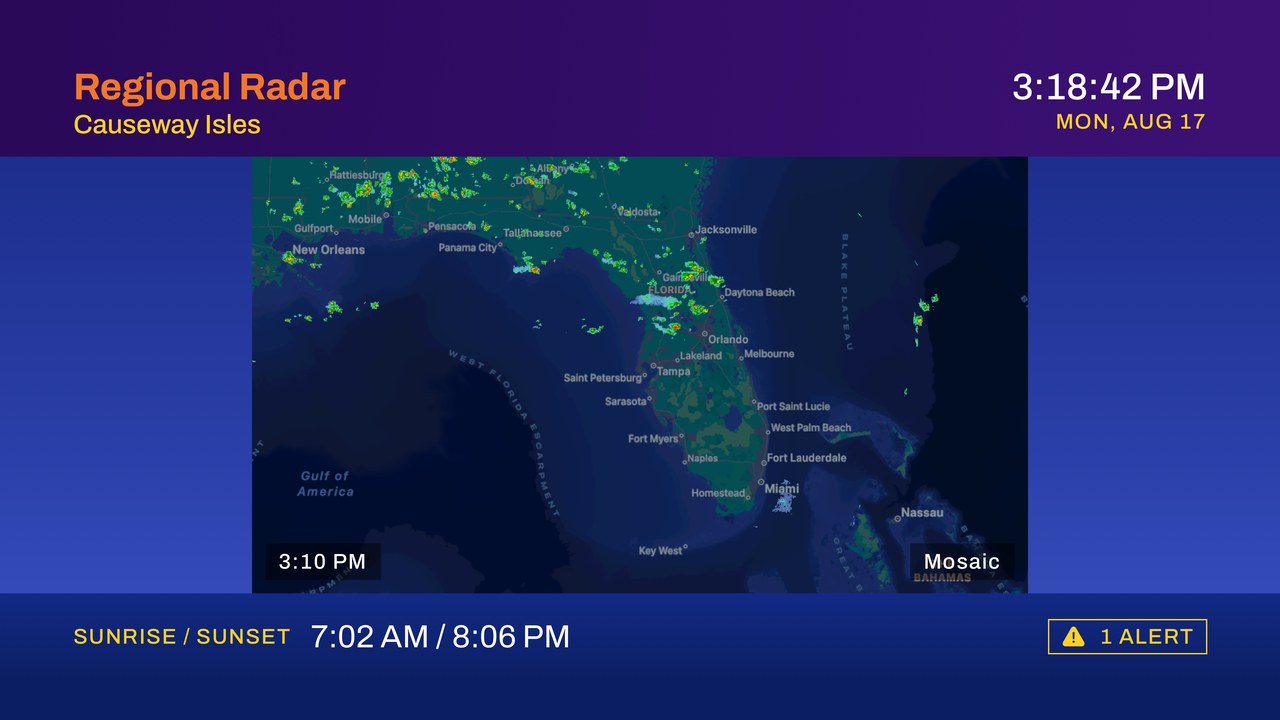
Animated base reflectivity from the NOAA map services, drawn natively over a US Census basemap bundled with the app.

NOAA tides

Tide predictions come from CO-OPS for the nearest station, with an override picker when the nearest one is not the one you mean. Most US stations are subordinate and publish only the day’s highs and lows, so the curve drawn between them is synthesized. Inland, the segment removes itself from the lineup.

NOAA climate records

Record high and low for today and tomorrow come from the ACIS climate service, taken from a station with at least thirty years of record and refreshed once a calendar day.

Your own station, optionally

Point it at a WeatherFlow Tempest in your yard and its readings can overlay the forecast, or become the forecast base outright.

United States, mostly

Right now the app is limited to the US App Store. Alerts, radar, tides and climate records are all US government services, so outside the country the loop would run on WeatherKit conditions, forecast and almanac alone, without the interrupts, the radar, the tides or the records.

Not a life-safety device

Composite Sky is a display. In severe weather, follow your local emergency management, a NOAA weather radio, and your own good sense, not a television app.

06 · By the numbers
tvOS 17 and later Native SwiftUI Full lineup in the US Beta, edition one

8

Segments in the broadcast loop

2

Minimum poll interval, minutes

1

Interrupts per severe weather alert

07 · The music

“Nobody remembers the dewpoint. Everybody remembers the music.”

Point it at a playlist from your own Apple Music library, which is the default, or paste in any stream URL you like. Either way it ducks under the announcer and comes back up between segments, with a volume ramp for a stream and a clean pause and resume for Apple Music.

08 · Roadmap

Now: beta 1

The full eight-segment loop, animated radar, spoken intros, tiered alerts with a dismissible crawl, tides, climate records, lightning counts, an optional Tempest station, cached fallback and the standby card.

Next

A station-only segment (lightning, rain today, gusts, solar) for the people running their own hardware. Then saved locations with a rotation between them, and travel cities.

Later

A selectable announcer voice, screen-saver mode, and a marine and aviation segment for the people who ask for it.

09 · FAQ
Is this affiliated with a TV network?

No. Composite Sky is an independent app and is not affiliated with, endorsed by, or connected to any broadcaster. The structure it uses (a purple header, a blue field, a lower display line, one palette and one margin) is its own.

What do I need to run it?

An Apple TV on tvOS 17 or later, and a US location for alerts, radar, tides and climate records. The weather needs no account and no subscription. The default music source is your own Apple Music library, which does need an Apple Music subscription, or point it at a stream URL instead and skip that entirely.

Can I turn off the voice?

Yes. Voice announcements are one switch, and the music is separate from it, so you can have either, both or neither. The alert tone is not a switch: when the National Weather Service issues a tornado, severe thunderstorm or flash flood warning, the television makes a noise. That one is deliberate.

Will it run all day?

That is the intended use. The loop is designed to run unattended for hours, refresh quietly in the background, and recover on its own when the network hiccups.

What about privacy?

No accounts, no analytics SDKs, no advertising identifiers, no third-party packages at all, nothing sold or shared. Your coordinates do leave the device, because that is how a forecast works: they go to Apple WeatherKit, to api.weather.gov for alerts, to NOAA for radar, tides and climate records, and to WeatherFlow only if you have connected a station of your own. Apple Music, if you use it, is the last one. That is the entire list.

Can I help test it?

Please do. Beta builds go out through TestFlight, and the most useful reports are the ones about your own local alerts and odd station data.

Read the privacy policy →

The loop is already running. Come sit down.

TestFlight builds go out every couple of weeks. Leave an email and you will get the invite, the release notes, and nothing else.

Browse our other apps →

Composite Sky is an independent app, not affiliated with or endorsed by any television network. Weather data by Apple Weather, the US National Weather Service and NOAA, plus WeatherFlow Tempest and Ambient Weather for anyone who connects a station of their own. Tempest and WeatherFlow are trademarks of WeatherFlow-Tempest, Inc.; Ambient Weather is a trademark of Ambient, LLC. Not for use as a life-safety warning system. The app collects nothing. See the privacy policy.